
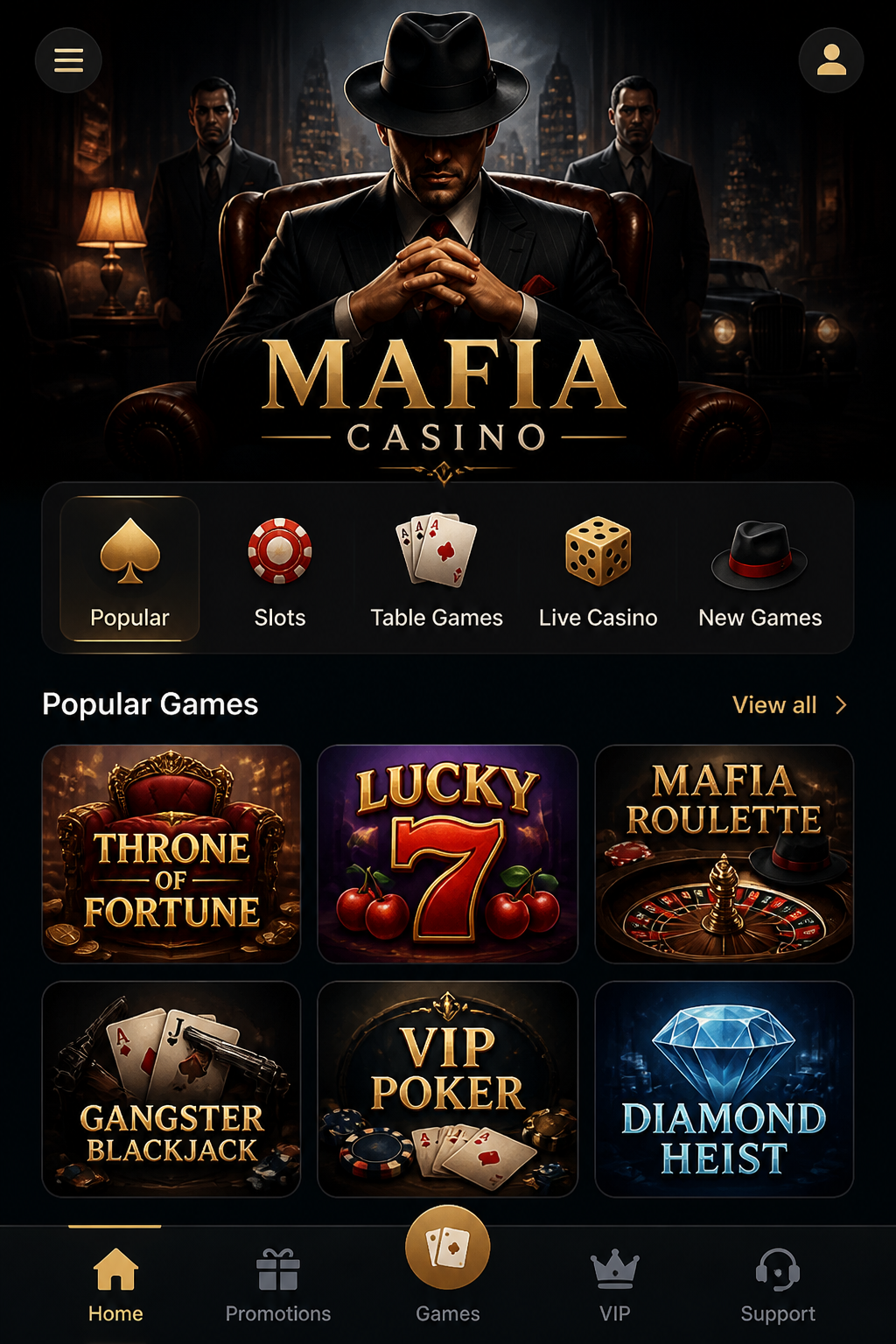

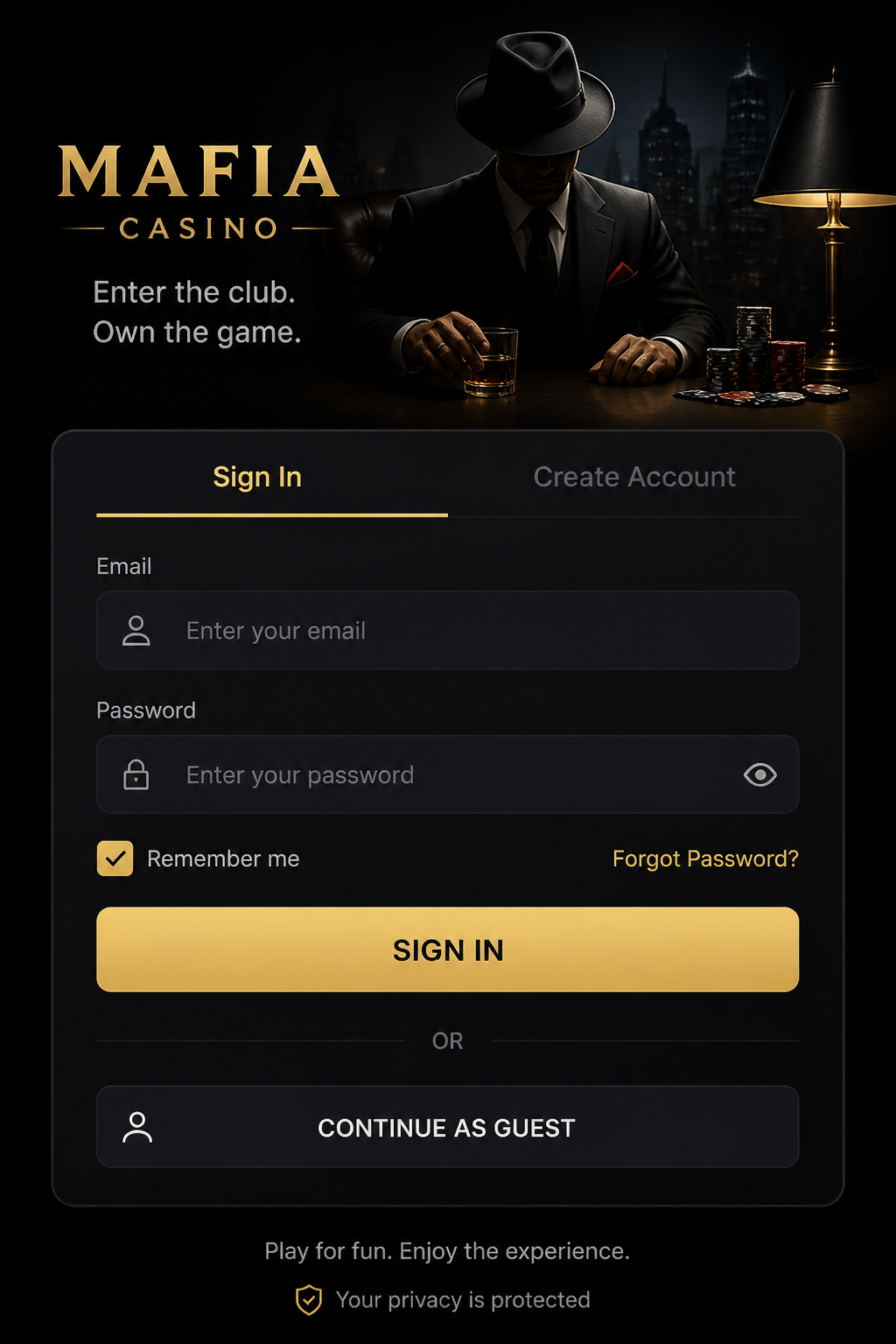
Mafia Casino can be assessed through a mobile browser, but the status of a separate downloadable application is not consistent across the available descriptions. Some pages present browser play as the straightforward option, while another promotes Android and iOS downloads. This guide does not treat either download claim as independently verified.
The practical question is whether the service is usable and its terms remain readable on a phone. Any description of the welcome offer—100% up to €1,000 + 240 free spins—must still be checked against the full promotion rules, regardless of whether the player is using a mobile screen or a desktop computer.
| Mobile feature | Practical check |
|---|---|
| Android | Browser access; verify any APK publisher |
| iOS | Browser access; store listing unverified |
| Navigation | Readable menus and full terms |
| Games | Confirm round history if a session freezes |
| Payments | Methods depend on cashier and country |
| Security | Avoid unknown software and share no codes |
Mobile website versus installed app
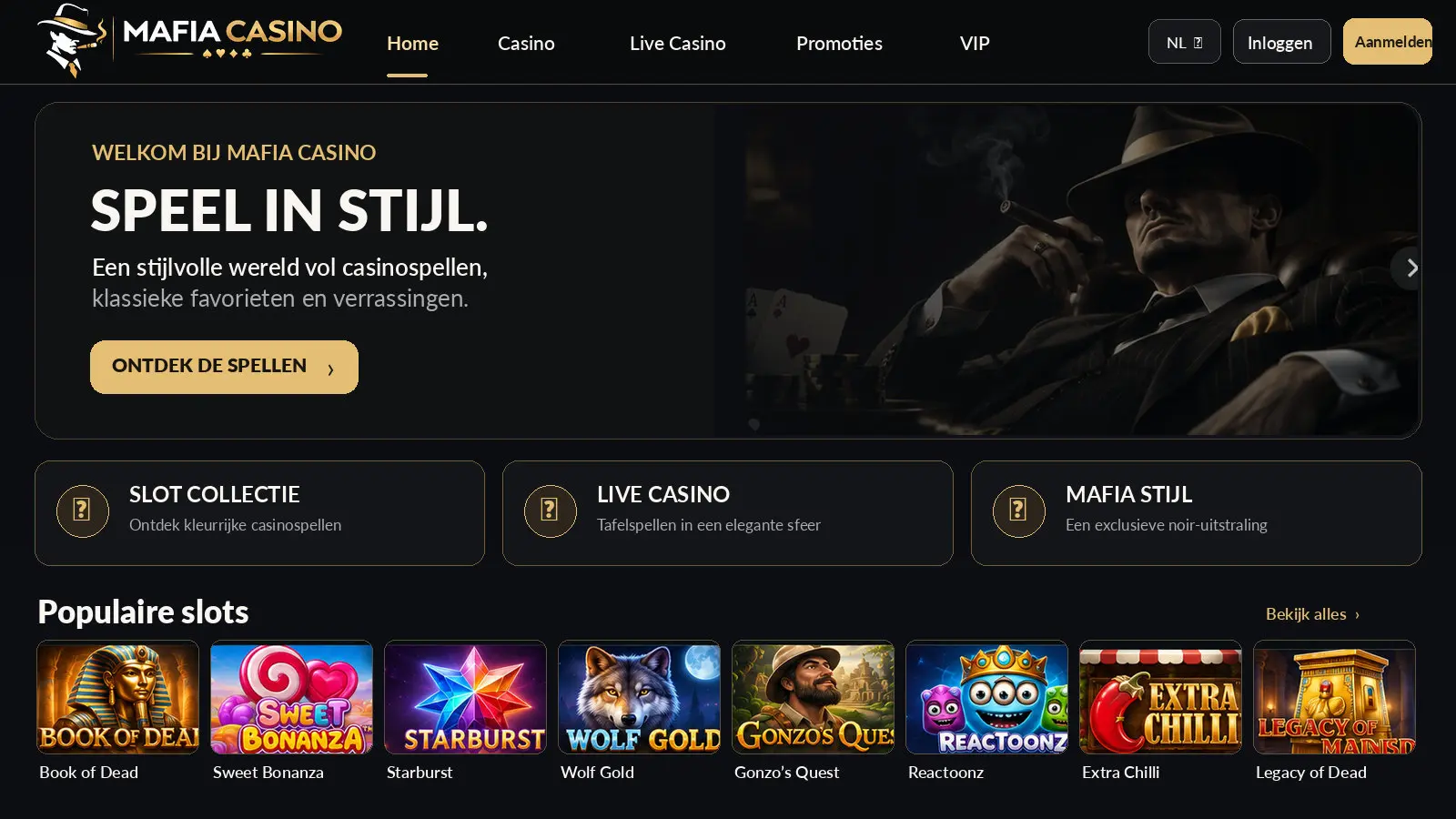
A mobile website runs in an existing browser. A native app is software installed through a verified source. An icon on a home screen can simply be a shortcut to the browser rather than an installed application. These differences matter for permissions, updates and how users check software authenticity.
Because the referenced Mafia Casino materials make inconsistent claims, no specific official app listing is confirmed here. Starting with the mobile website allows readers to inspect the public information without downloading additional files or changing device security settings.
Checking the Android experience
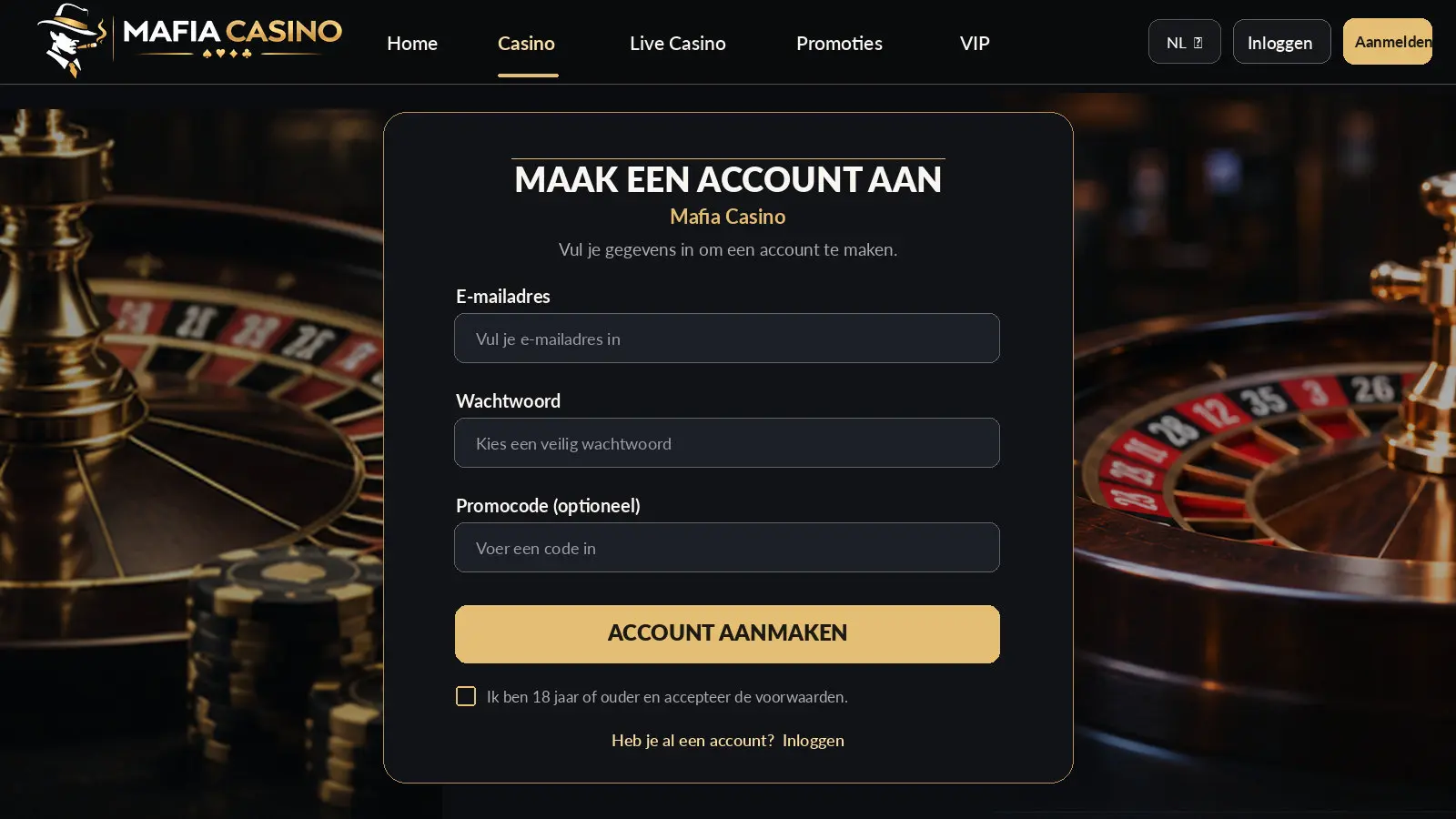
An Android phone can display a gaming site's menu, account pages and game information through a normal browser. Check whether the interface responds to touch, whether text fits the screen and whether important information can be reached without frustrating navigation.
If an APK is offered, do not assume it is trustworthy because a page advertises it. Verify the software publisher, installation source and permissions. Disabling Android protections solely to install an unfamiliar casino file creates avoidable security risks.
Using an iPhone or iPad
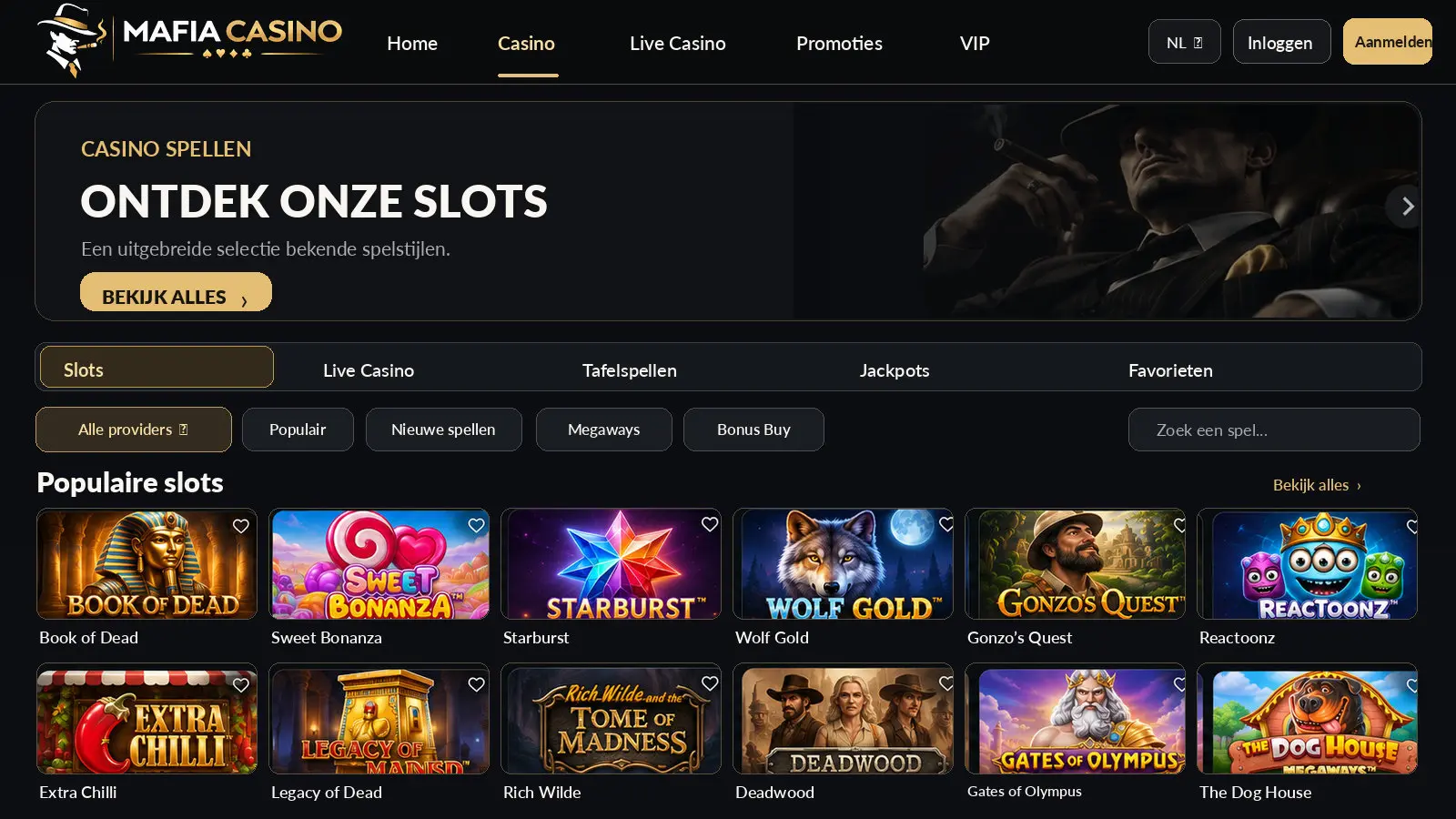
On an Apple device, a browser may be sufficient for opening the site and reading the terms. The source material mentions iOS downloads, but no specific, independently verified App Store listing is established in this guide. An advertised download button is not evidence of current store approval.
If an application is found, compare the developer name and official information before installing it. A browser bookmark provides a simpler way to save a frequently visited information page without automatically granting extra device permissions.
Navigation and readable terms
A good mobile interface keeps account details, game categories, payment options and help accessible on a small screen. Buttons should not overlap, and the full terms should not disappear behind decorative elements. Check the actual mobile display rather than relying on a promotional screenshot.
The welcome offer may be abbreviated to a single line in the interface. Full wagering conditions, expiry periods, excluded games and eligibility rules still need to remain accessible. If the terms cannot be read comfortably on the device, postpone any financial decision.
Slots on a smaller screen
Many slots are designed to scale between desktop and mobile, yet performance can vary with browser version, device hardware and connection quality. High-resolution animation or a heavy game lobby may cause longer loading times on older phones.
Open the game information panel before playing to check controls, possible stakes and any stated RTP. If the connection drops during a round, use the account's game history to confirm the result instead of immediately attempting another bet.
Live dealer streaming
Live casino games depend on video delivery and often have time-limited betting windows. They may require a steadier connection than ordinary web browsing. A delay between video and interface can also make it harder to understand whether a wager has been accepted.
Check the minimum bet and table rules before joining. If a session freezes, review the round status or contact the operator through a verified support channel. Do not assume an interrupted video automatically cancels an accepted wager.
Account security on mobile
A phone is convenient but can be lost, borrowed or left unlocked. Use a unique password, device screen lock and any extra account protection that the service actually provides. Never share one-time codes with someone who contacts you unexpectedly.
An installed app is not automatically safer than a website, and a browser is not automatically less secure. The source of the software, connection settings, privacy policy and account practices are more meaningful than whether the service appears as an icon.
Finding bonus conditions on mobile
The selected Mafia Casino package is 100% up to €1,000 + 240 free spins. Before treating it as an available offer, locate the full rules on the device being used. Verify whether any action, qualifying deposit or identification step is required.
The exact activation sequence for this package has not been independently confirmed. Avoid making repeat payments to trigger a missing promotion. A support explanation should come before any decision that exposes more money.
Deposits and withdrawals from a phone
International payment habits vary, but cards, bank transfers and e-wallets are common categories. The actual Mafia Casino cashier may differ according to location, currency or account status. The availability of any specific provider has to be checked at the time of use.
When entering payment details on a small screen, check the amount, currency and recipient carefully. Withdrawals may also involve identity verification and banking delays. This guide deliberately makes no claim of universally instant payouts.
Troubleshooting a frozen page
If a game stops responding, first check whether the device still has a stable connection. Before refreshing, try to establish whether the previous round or transaction was already recorded. Screenshots of account history and reference numbers may be useful when describing a problem to support.
Updating the browser or clearing a corrupted cache can resolve general display issues, but keep any information needed to document unsettled payments. If an issue repeatedly prevents access to terms or balances, stop rather than continuing to place wagers.
Legality and responsible mobile use
Being mobile-friendly is not evidence that an operator is authorised to serve a particular country. A Curaçao licence is mentioned in public descriptions of Mafia Casino, but its current validity has not been independently verified. Readers should check the relevant regulatory records and local restrictions before considering real-money access.
A phone can make gambling available at almost any moment. That convenience can also blur spending and time limits. Disable unnecessary reminders, take breaks and seek help if use becomes difficult to control. A promotional notification is never a reason to ignore personal boundaries.
Mobile data and streaming
A text-based information page normally consumes less mobile data than a live video stream. Actual usage depends on video quality, session length and the technologies used. A longer live casino session over cellular data may therefore use substantially more of a data allowance than simply opening the bonus terms.
Check the connection and data plan before relying on mobile access. A connection drop does not automatically mean that a placed wager was cancelled. Confirm the result through account or round history whenever possible.
A home-screen icon is not proof of an app
Many phones allow a website shortcut to be added to the home screen. This can look similar to an installed app, but it does not mean the software has been independently checked by an app store. Browser shortcuts and native applications use different update and permission models.
A normal browser is enough to inspect much of Mafia Casino's public content. Do not install unknown software merely because a download button is prominent. Security decisions should depend on verified sources and permissions.
Notifications and staying signed in
A site may ask for permission to send reminders or keep a session active. Those features can be convenient, but promotional notifications may also encourage more frequent visits than intended. Review whether such reminders serve a real purpose for you.
Avoid staying signed in on a shared device. Lock the phone and check which websites or apps can send notifications. Personal account security requires attention regardless of whether access comes through a browser or installed application.
Readability over visual effects
A mobile page may look attractive while hiding critical information behind banners or displaying terms in tiny text. Test whether the game rules, cashier and account history can be reached without difficulty. Access to clear information is a more useful quality measure than animation alone.
If the interface cuts off a condition or shifts unexpectedly, stop before making a payment. Use a larger screen or seek clarification. Cosmetic design cannot replace readable financial and promotional terms.